
Help/Letters/Why a letter appears
Why a letter appears
You never create letters by hand. Tutaris makes each one at the right moment, based on what happens to a job. This is what triggers each letter, so nothing in your queue is a surprise.
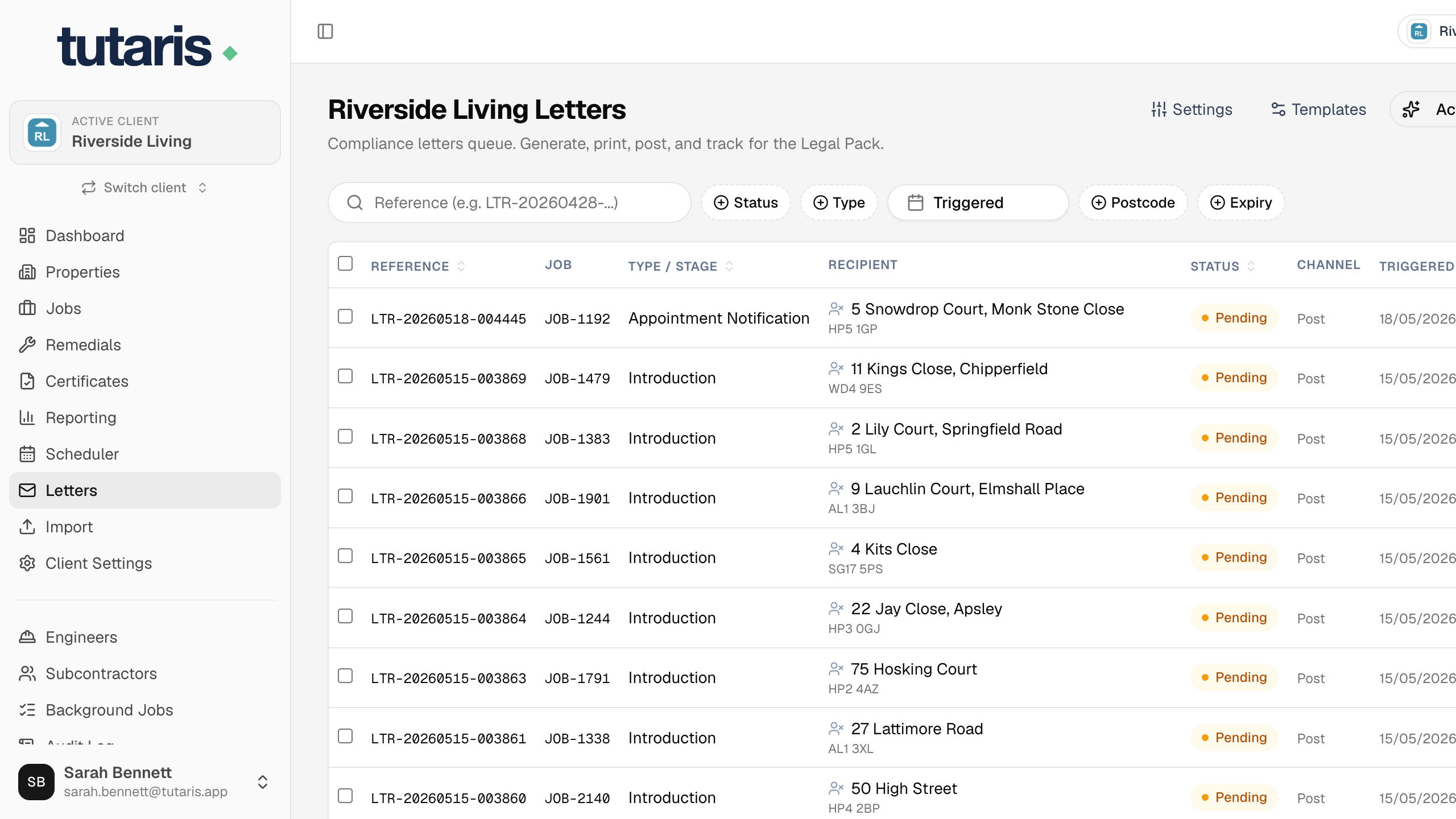
- A new job is added: an Introduction letter. It is held until 30 days before the certificate expires, then appears on its own.
- You book the appointment: an Appointment letter confirming the date (the 1st attempt).
- A few days before the visit: a Reminder, created for you automatically.
- The engineer cannot get in: no letter appears yet. The next Appointment letter (2nd, then 3rd attempt) appears when you book the next visit.
- You rebook at the resident's request: an Appointment Rebooked letter. Neutral wording, and it does not count as a missed attempt.
- The job is completed: a Completion letter, if your organisation uses them.
- A job is cancelled: no new letter. Any letters not yet posted are cancelled for you automatically.
Whatever the trigger, the letter lands in your queue for you to print and post, all the same way (see Sending your letters).
To move an appointment, always use Rebook, not Cancel. Rebooking sends a fresh, neutral letter for the new date and does not count as a wasted attempt.
Still stuck? Email us and we will help.