
Help/Jobs & scheduling/When the engineer can't get in
When the engineer can't get in
If the engineer cannot get access, the job is marked **No Access**. Here is how to record the chase and move it on.
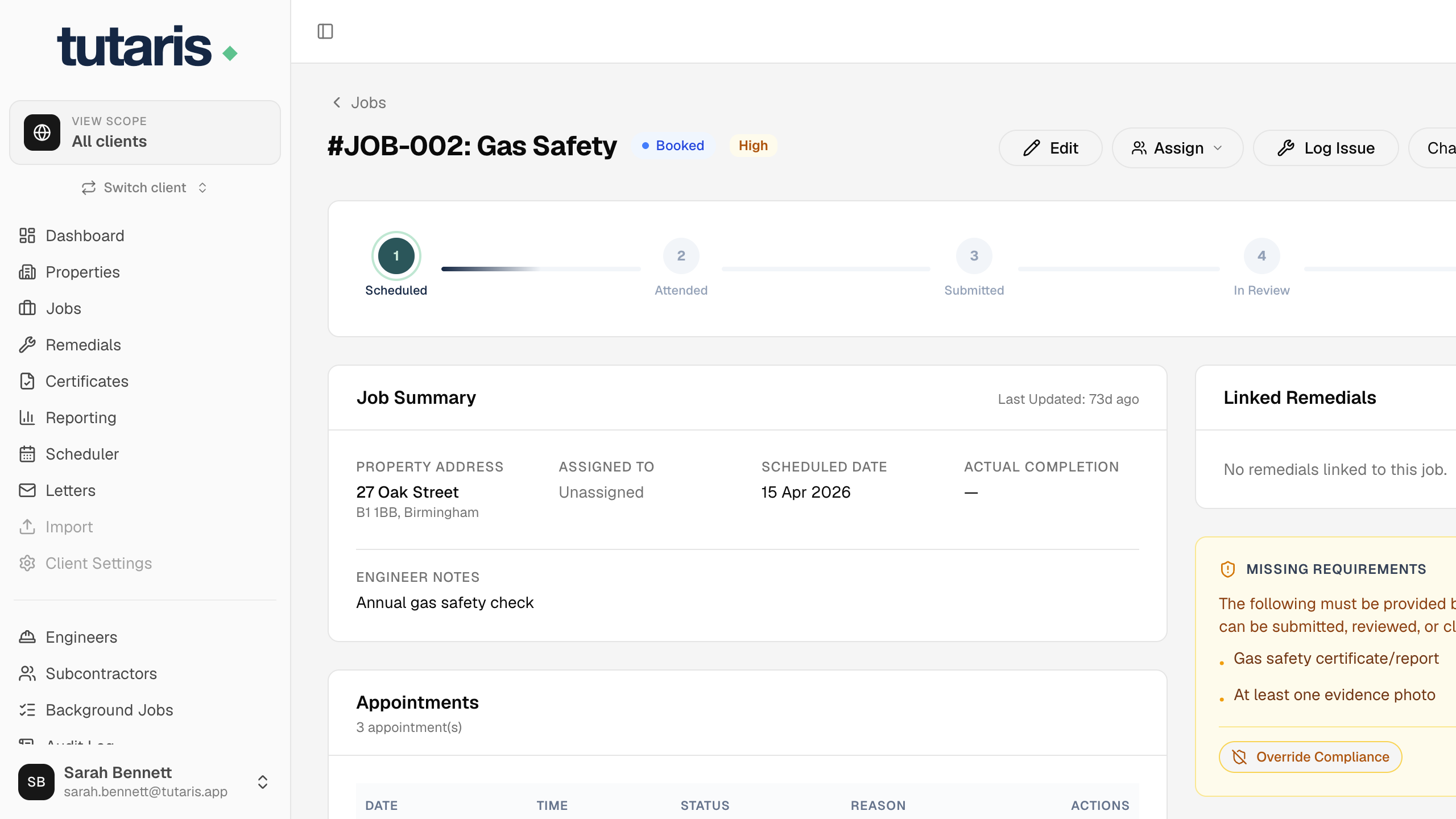
- 1Open the job. The No Access panel shows every attempt so far.
- 2Record what you do: Log Call, Record Letter or Log Cold Call, and Update Stage as the case escalates.
- 3When the resident agrees a new date, click Rebook to put the visit back in the diary.
Once a job is No Access, only an admin can move it forward, so nothing slips through by mistake.
Still stuck? Email us and we will help.