
Help/Getting started/The audit log
The audit log
Every action in Tutaris is recorded automatically. The audit log is the full history, useful for proving what was done and when.
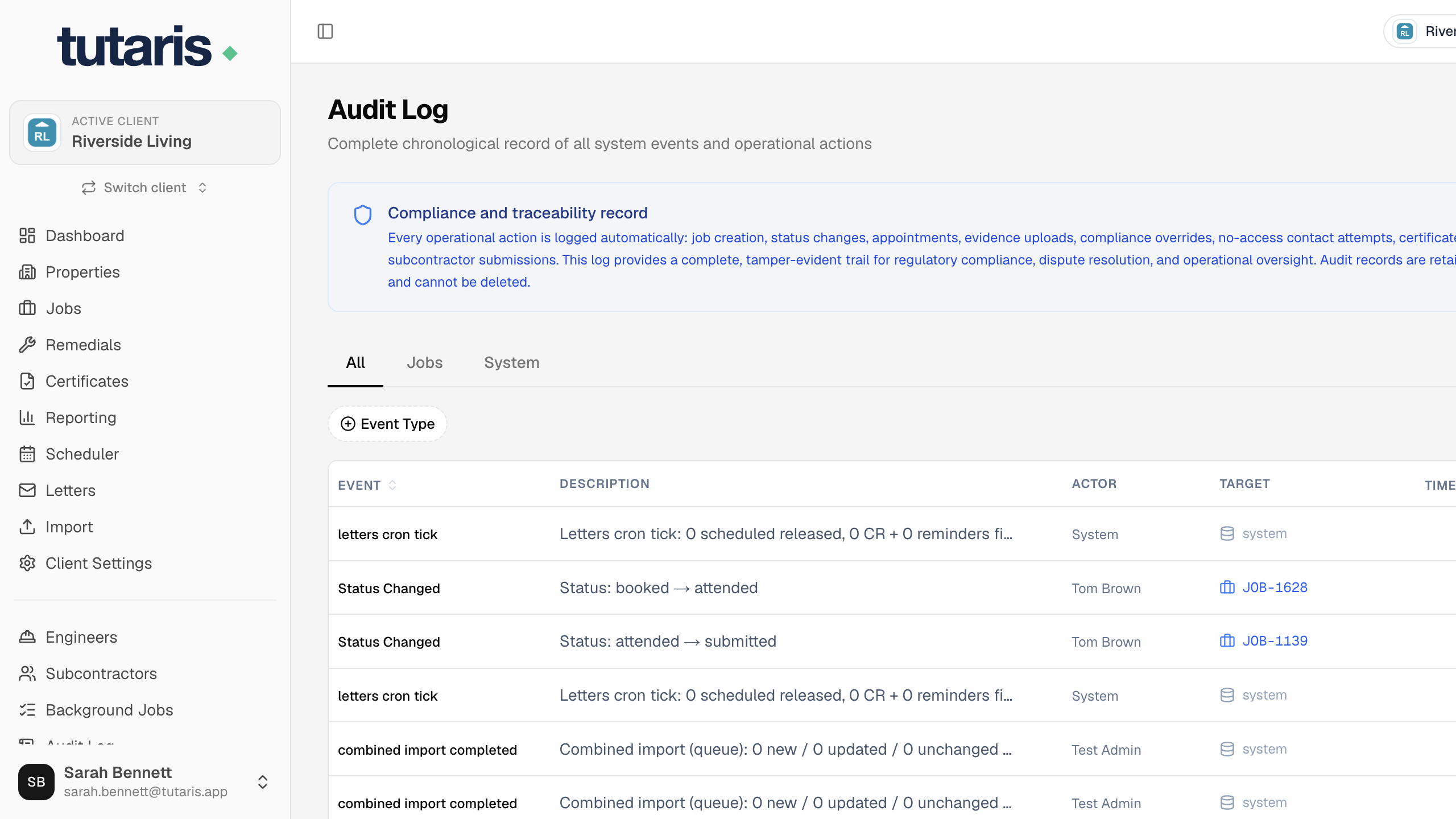
- 1In the menu, click Audit Log.
- 2You will see every event, newest first: job changes, appointments, letters, certificate reviews and more.
- 3Use the Event type and Date range filters to narrow it down.
You cannot edit or delete audit records, that is the point. They are the tamper-proof trail.
Still stuck? Email us and we will help.