
Help/Getting started/Switching between clients
Switching between clients
Tutaris works one client at a time. Everything you see, jobs, letters, properties, belongs to the client you are currently in.
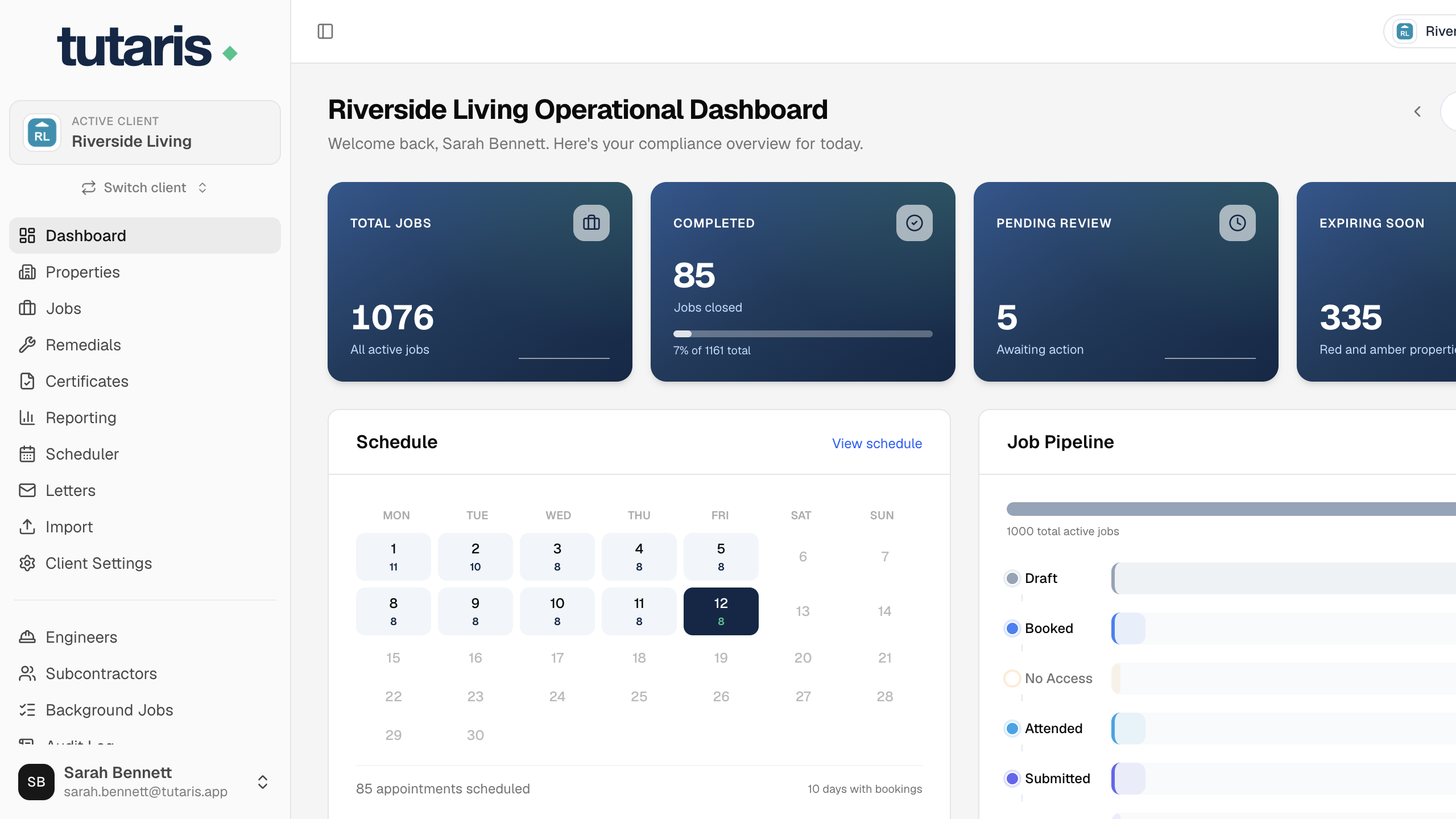
- 1Look at the top left, it shows your active client.
- 2Click it (or Switch client) to see the clients you can access.
- 3Choose the one you want. Every screen now shows that client's data.
If a list looks empty or unfamiliar, the first thing to check is the active client up here.
Still stuck? Email us and we will help.