
Help/Properties & residents/Resident and access details
Resident and access details
Each property can hold the resident's contact details and what the engineer needs to get in.
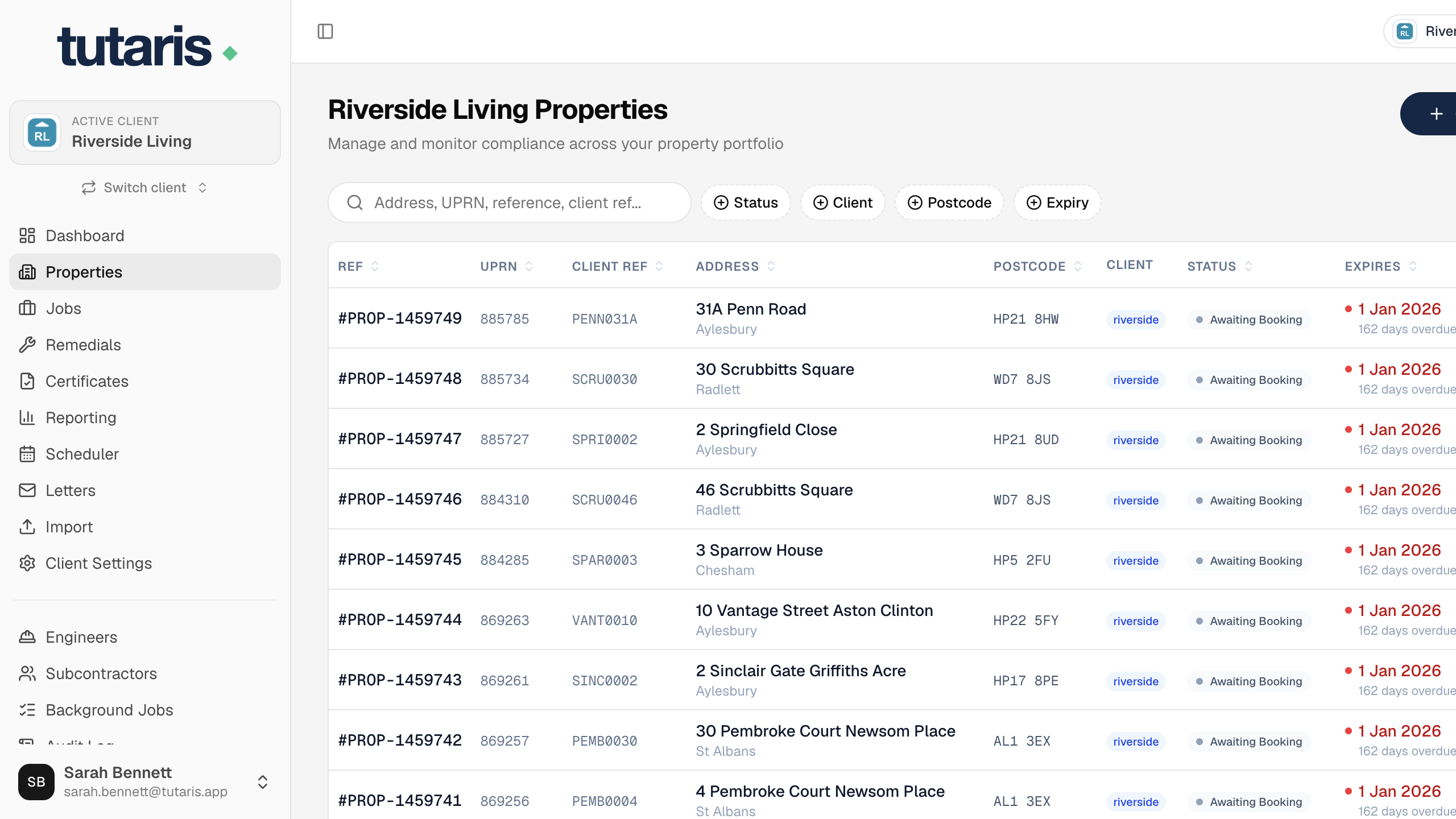
- 1Open the property and click Edit Property.
- 2Add the resident's name, phone and email, these are used on letters and messages.
- 3Add access details: key safe code, entry phone and access notes, and tick Vulnerable resident or Dog on premises if they apply.
- 4Click Save Property.
These can also be filled in bulk through the import.
Still stuck? Email us and we will help.