
Help/Certificates & reports/Reports and exporting data
Reports and exporting data
The Reporting page gives you monthly figures and lets you export your data as a spreadsheet.
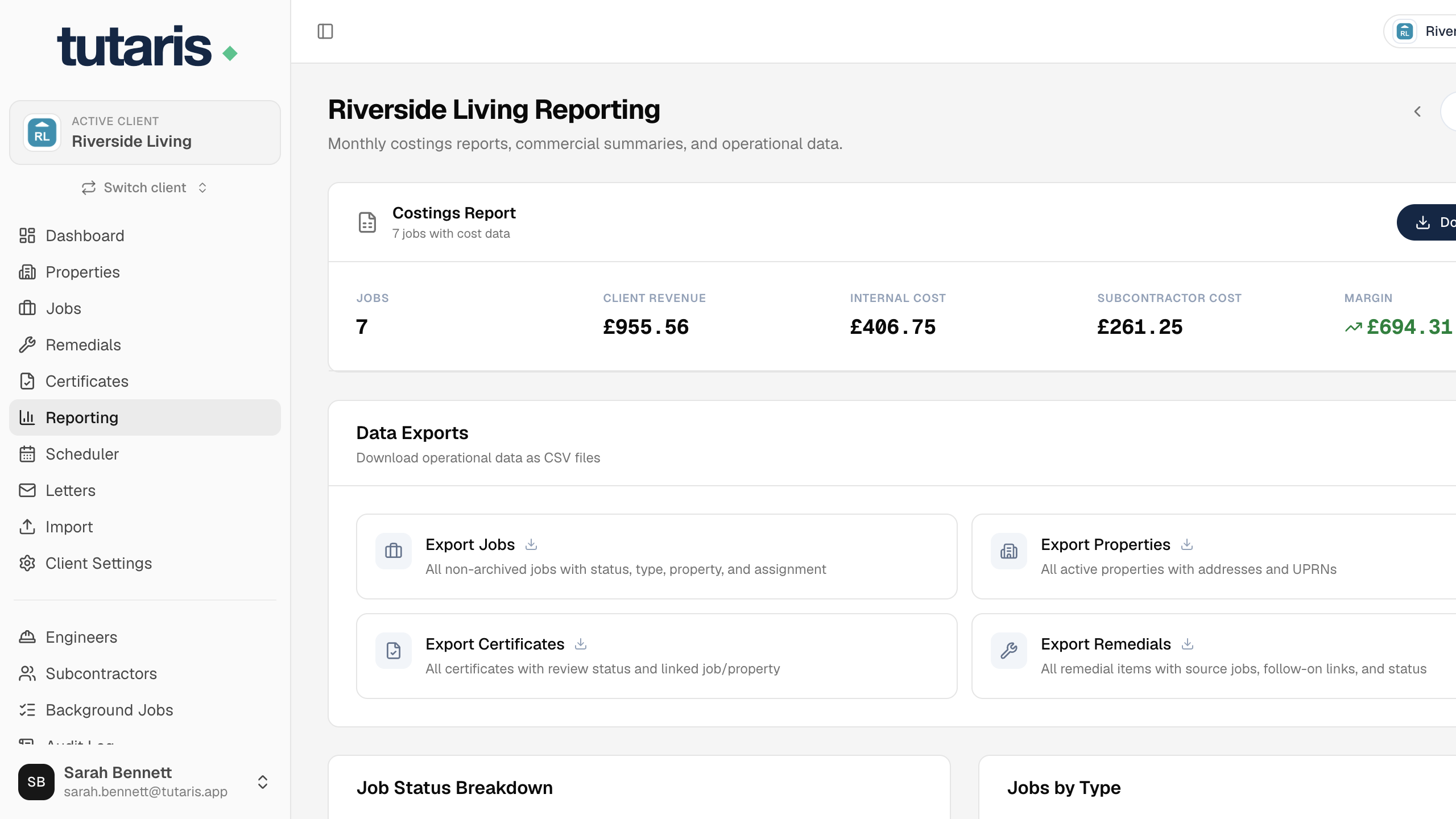
- 1In the menu, click Reporting.
- 2Pick a month at the top to see the figures for that period.
- 3Use the export buttons to download your jobs, properties or remedials as a spreadsheet.
Still stuck? Email us and we will help.