
Help/Jobs & scheduling/Rebooking or moving a visit
Rebooking or moving a visit
If a resident needs a different date, you can move their visit. The original is kept in the history.
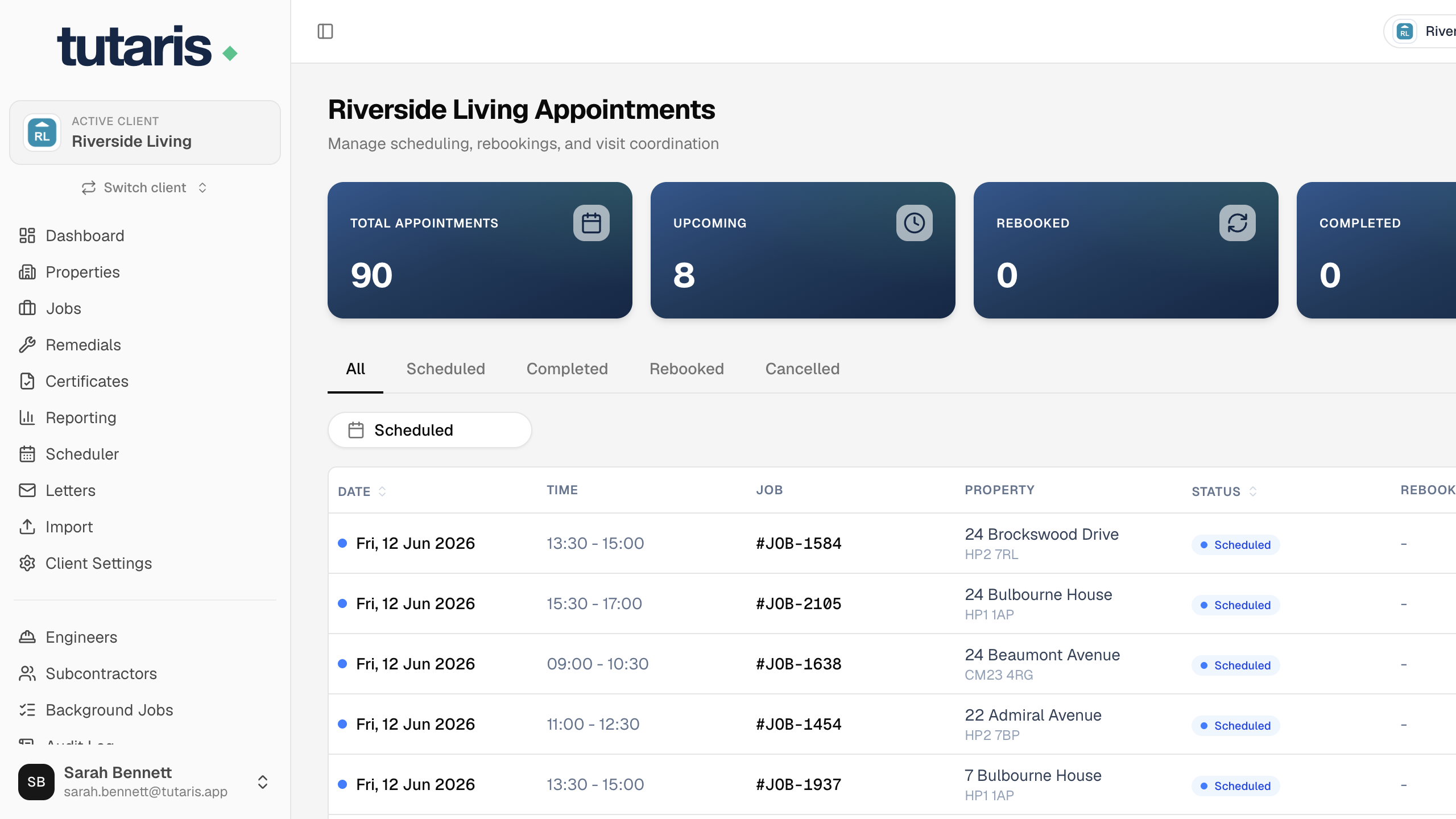
- 1Open the job, find the appointment, and click Rebook.
- 2Pick the New Date and times, and give a short Reason for Rebooking.
- 3Click Rebook to confirm.
You can also just drag a visit to another day on the Scheduler calendar.
The new date is set, the old one is kept on record, and the resident gets an updated letter.
Still stuck? Email us and we will help.