
Help/Jobs & scheduling/A job from start to finish
A job from start to finish
Every job moves through the same stages, shown as a row of steps along the top of the job.
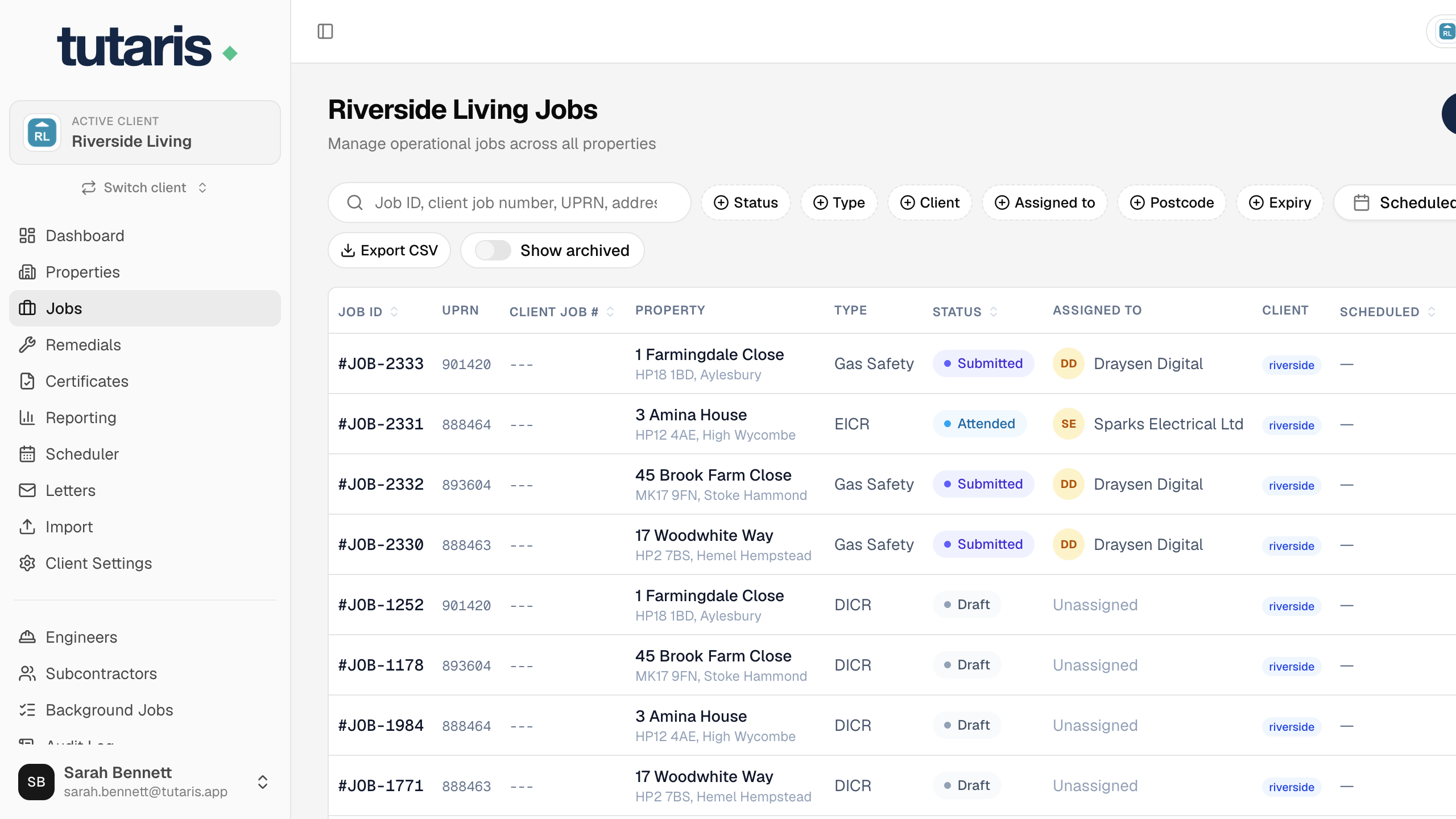
- Draft: the job has been added but no visit is booked yet.
- Booked: an appointment is in the diary.
- Attended: the engineer has visited the property.
- Submitted: the work and paperwork have been sent in for checking.
- In Review: someone is checking the work and the certificate.
- Closed: the job is complete and signed off.
To move a job along, open it and use the Change status... button. When a visit is finished, use Complete Job.
Still stuck? Email us and we will help.