
Help/Remedials/Handling remedials
Handling remedials
A remedial is a fault or issue found during a visit. Tutaris tracks these separately so nothing is missed.
- 1When an engineer finds a fault it is recorded against the job. You can also add one: open the job, click Log Issue, choose the Issue Category, and describe it.
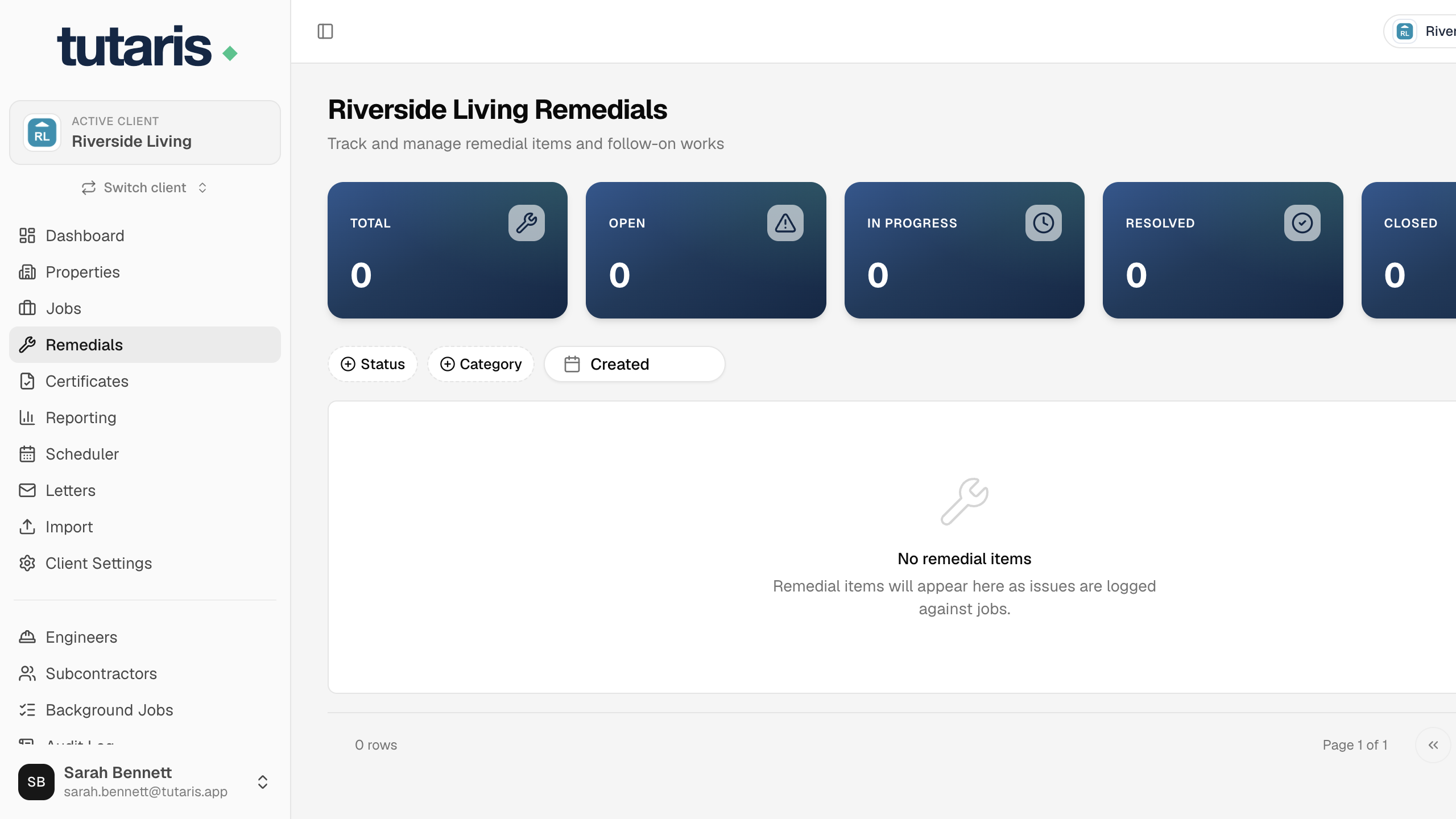
- 2In the menu, click Remedials to see every outstanding issue in one place.
- 3Each issue has a status: Open, In Progress, Resolved, Closed. Update it with the Update Status dropdown.
- 4To arrange the repair, open the issue and click Follow-on Job.
- 5Book that follow-on job like any other. When done, mark the issue Resolved, then Closed.
Every issue is tracked from found to fixed, with its own repair job.
Still stuck? Email us and we will help.