
Help/Certificates & reports/Finding and reviewing certificates
Finding and reviewing certificates
Completed certificates are collected on the Certificates page, ready to review.
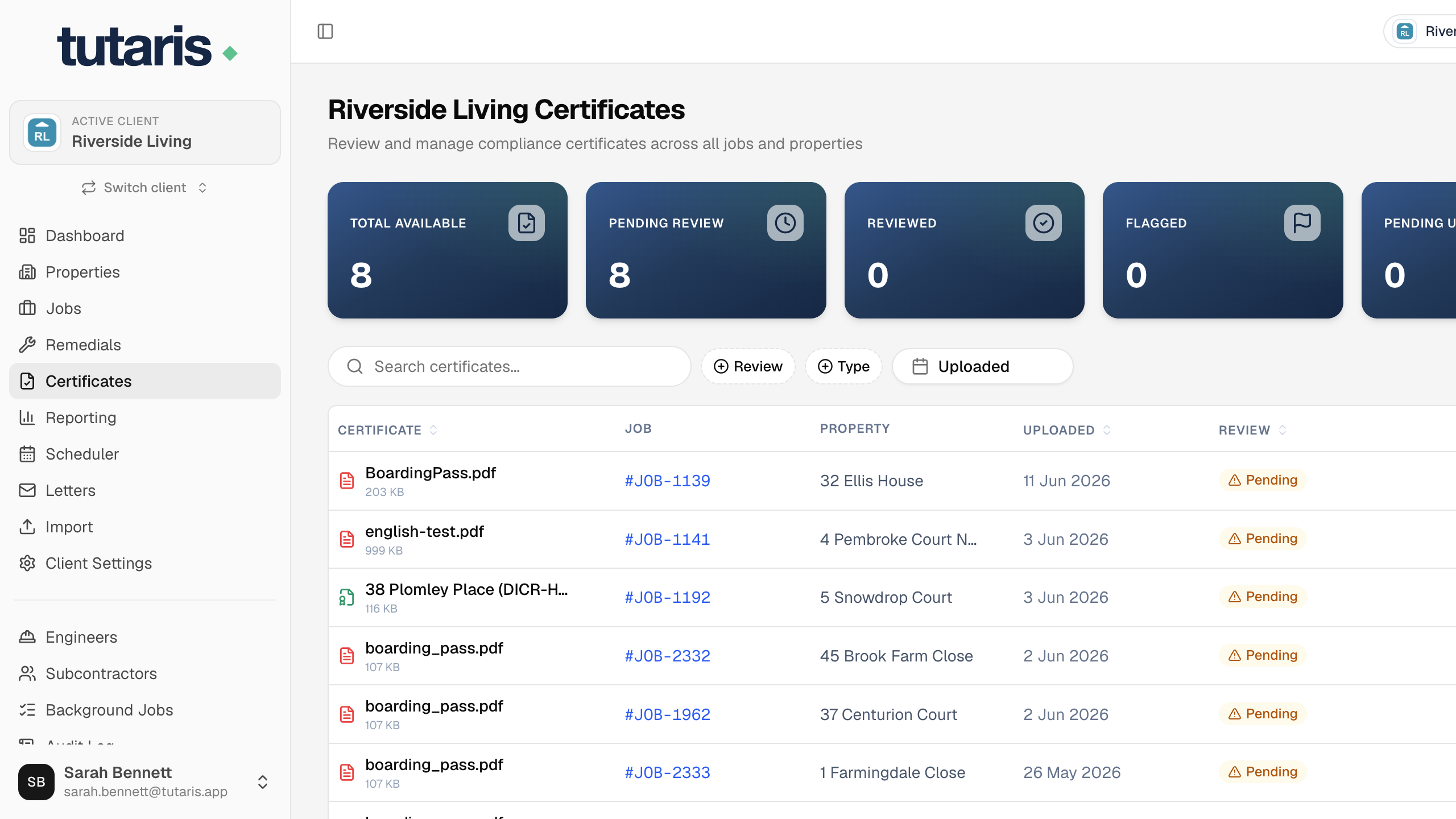
- 1In the menu, click Certificates.
- 2Use the filters or search to find one, then click it to view.
- 3Click Mark Reviewed once you have checked it, or Flag Issue if something is wrong.
Still stuck? Email us and we will help.