
Help/Jobs & scheduling/Creating a job by hand
Creating a job by hand
Most jobs arrive by import, but you can add one by hand whenever you need to.
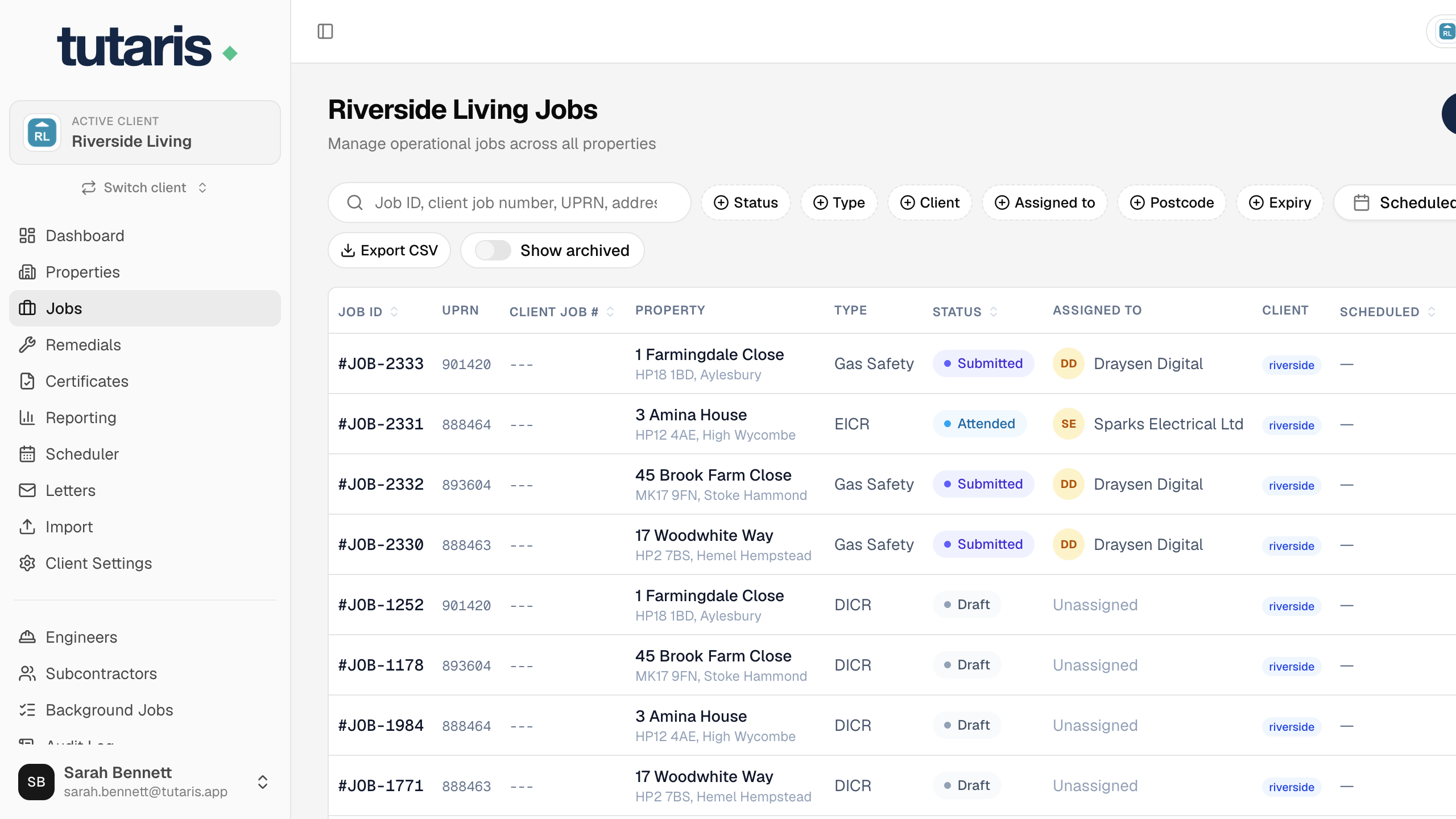
- 1In the menu, click Jobs, then click Create New Job.
- 2Choose the Property and the Job Type, and set a Priority if you like.
- 3Optionally add a Target Date, the client's Job Number, and Notes.
- 4Click Create Job.
The job is created as Draft, ready to be booked in.
Still stuck? Email us and we will help.