
Help/Jobs & scheduling/Cancelling a job
Cancelling a job
If a job is no longer needed, you can cancel it. This also stops any letters and visits.
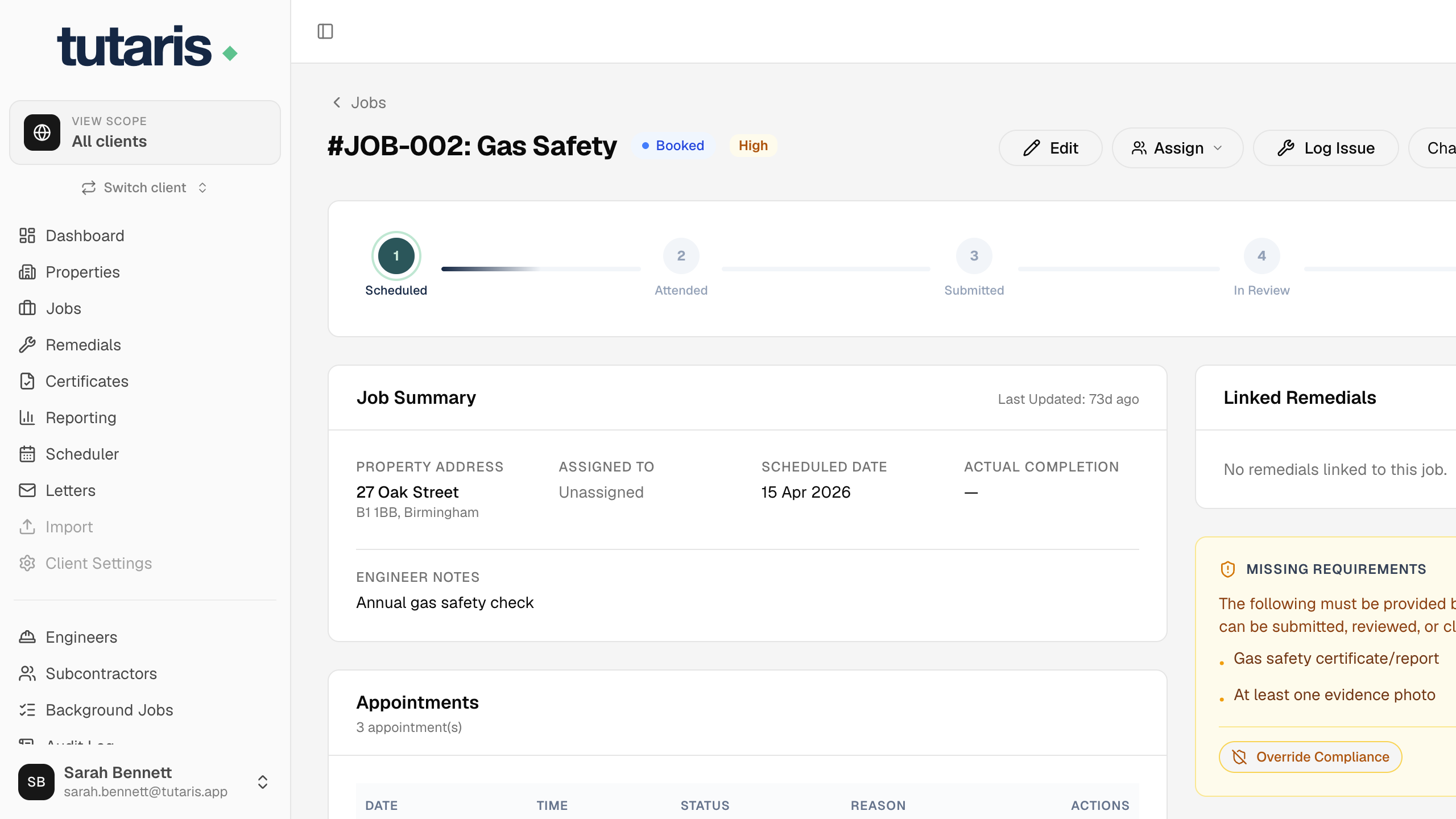
- 1Open the job and scroll to the bottom, then click Cancel this job.
- 2Add a short reason if you like, so it is on record.
- 3Confirm with Yes, Cancel Job.
The job is cancelled, any pending letters are stopped, and any booked visit is removed so the engineer does not attend.
Still stuck? Email us and we will help.