
Help/Jobs & scheduling/Booking a job in
Booking a job in
When a resident has agreed a date, here is how to put it in the diary from the job itself.
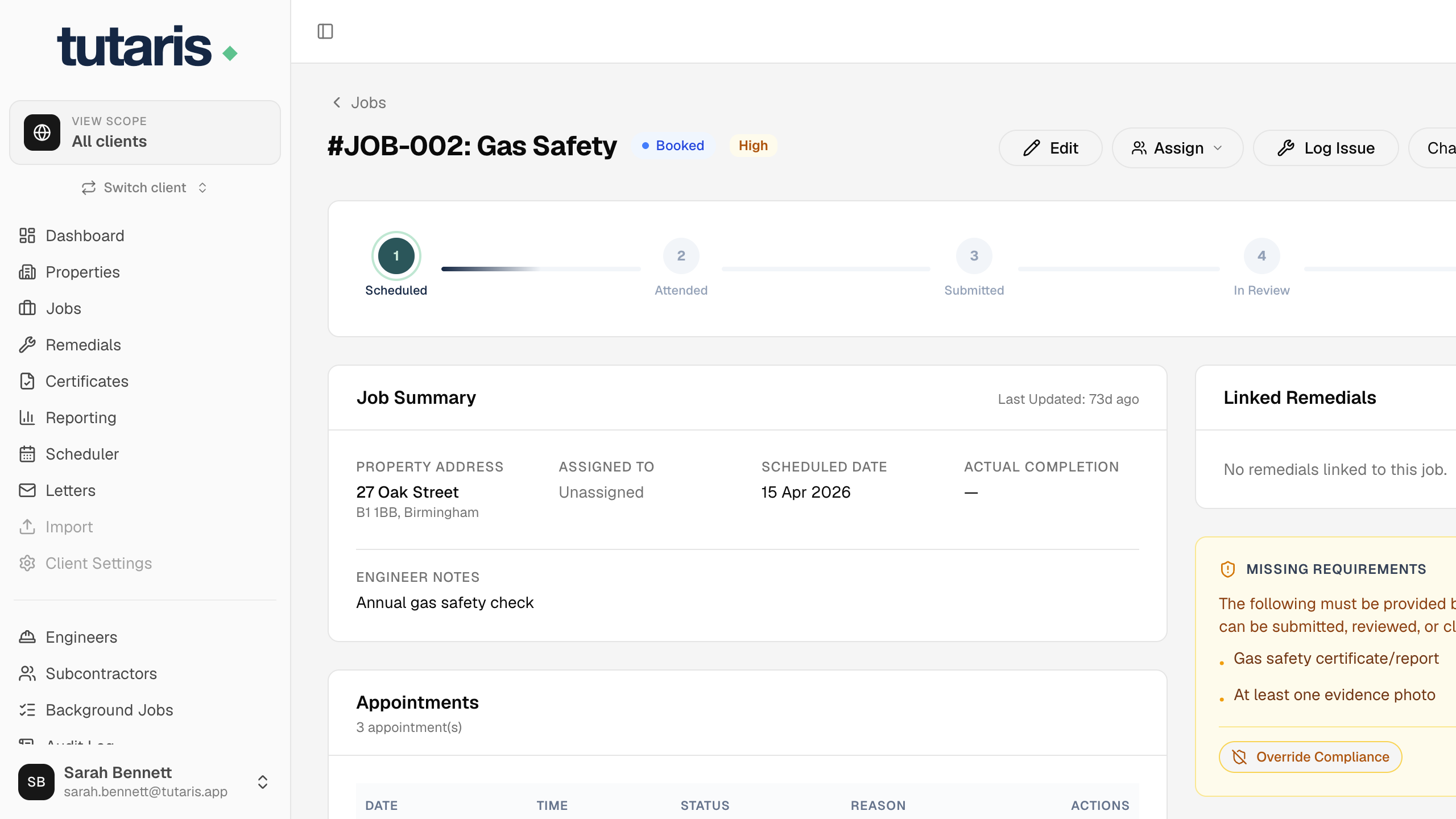
- 1In the menu, click Jobs, then click the job to open it.
- 2Near the top, click Book Appointment.
- 3Choose the Date, then set the Earliest arrival and Latest arrival times. Add Notes if needed.
- 4Click Book Appointment to confirm.
The job now shows Booked, and Tutaris prepares a letter to confirm the visit to the resident.
Still stuck? Email us and we will help.