
Help/Jobs & scheduling/Assigning an engineer or subcontractor
Assigning an engineer or subcontractor
You can say who is doing a job, either one of your engineers or a subcontractor.
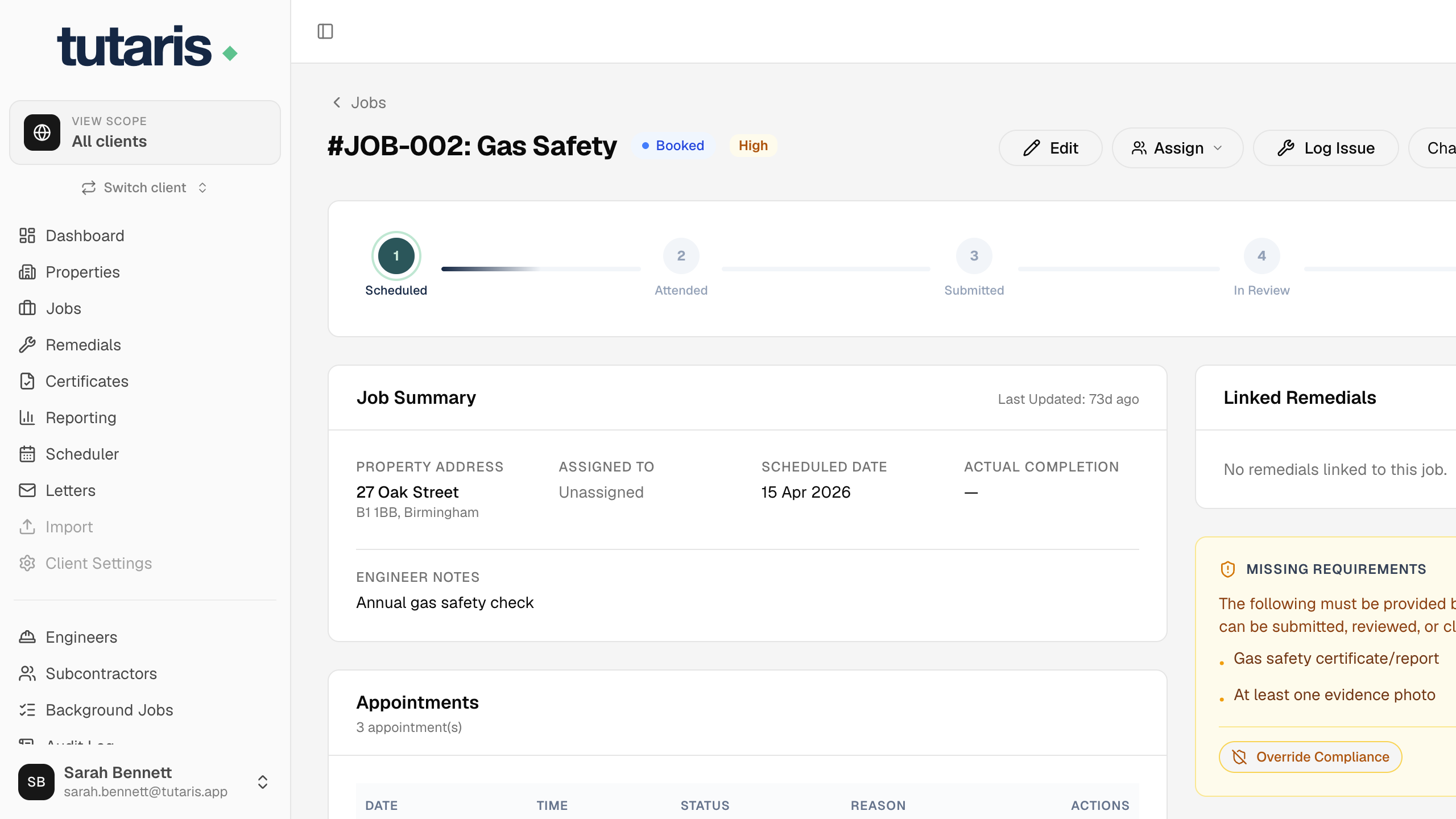
- 1Open the job and click Assign near the top.
- 2Choose Assign Engineer for your own engineer, or Allocate Subcontractor for a third party.
- 3Pick the person and confirm. They will see the job in their own worklist.
A job is either with an engineer or a subcontractor, not both. Choosing one clears the other.
Still stuck? Email us and we will help.