
Help/Properties & residents/Adding or editing a property
Adding or editing a property
You can add a property by hand, or update one's details at any time.
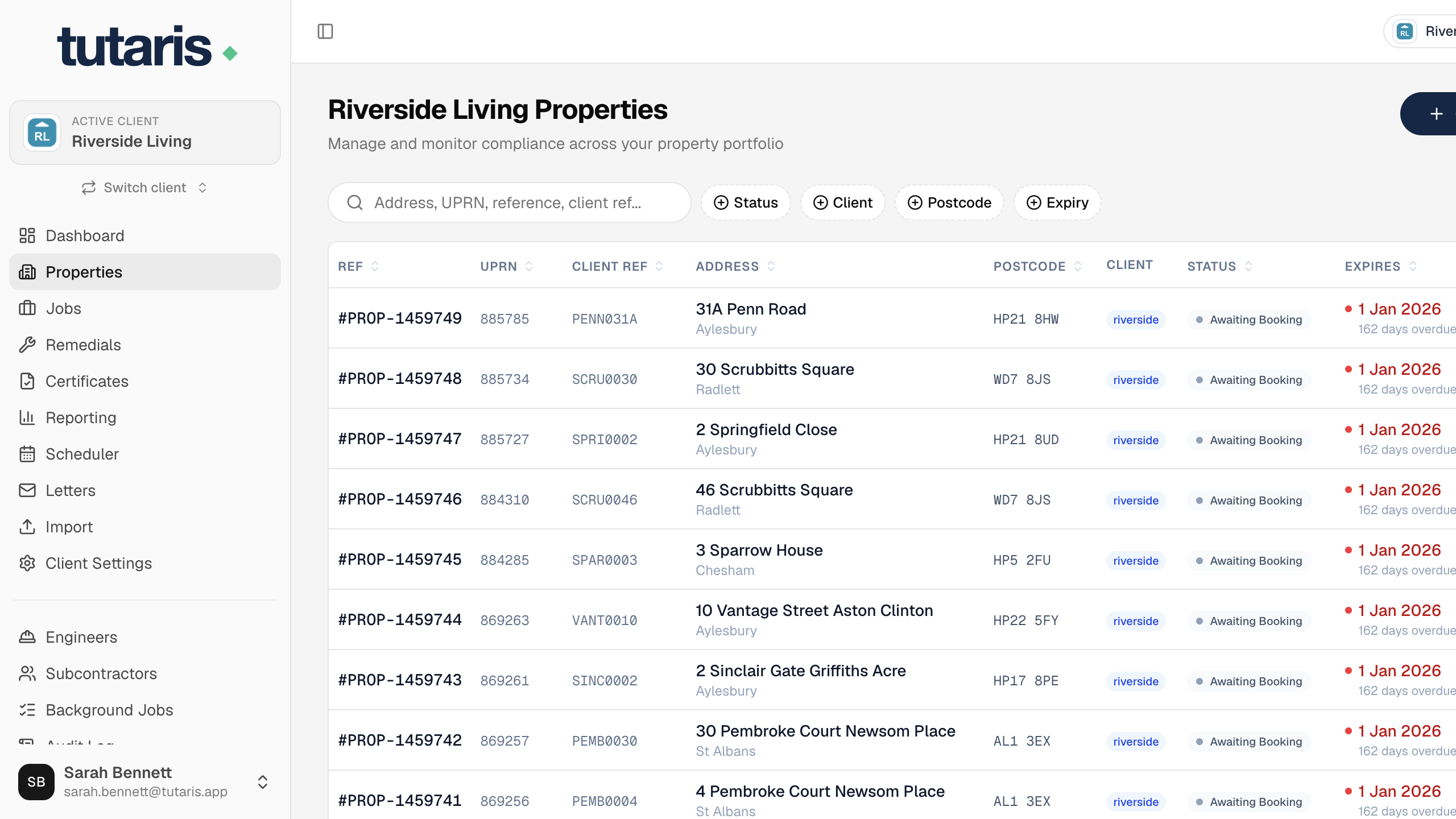
- 1In the menu, click Properties. To add one, click Create Property.
- 2To change an existing one, click it to open it, then click Edit Property.
- 3Fill in the address and UPRN (the unique property number), along with any other details.
- 4Click Save Property.
To add lots of properties at once, use the import instead (see Importing properties and jobs).
Still stuck? Email us and we will help.